You can easily add pauses to phone numbers on the iPhone for those times when you need to dial into automated phone systems or use calling cards. It’s pretty simple, just hold your finger on the * key until you see a comma appear in the phone number. Each comma equals a 2-second pause.
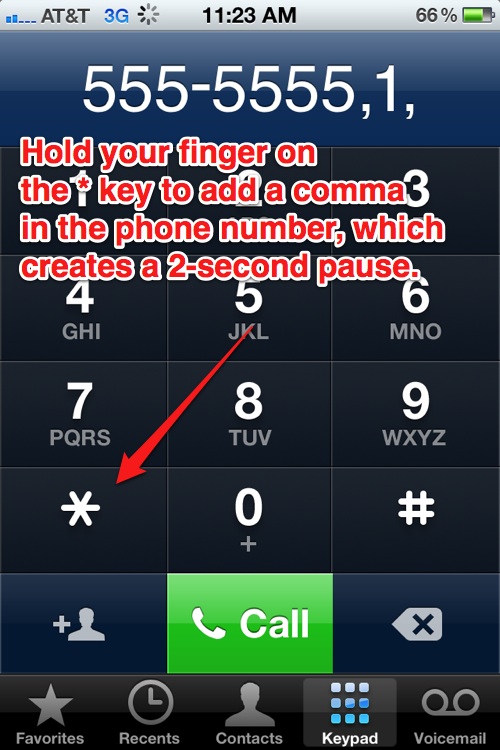
Please note that you can’t begin a phone number with a pause, there must be a least 1 number in the phone number before you can add a pause.