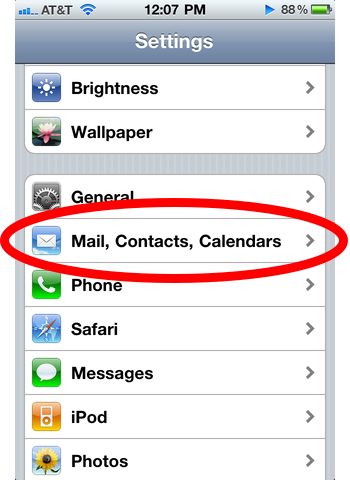
The iPhone’s keyboard has a few extra characters that only become visible if you press and hold down keys. Two frequently used characters you might find useful to know about are the em dash (–) and the ellipsis (…).
Em Dash–
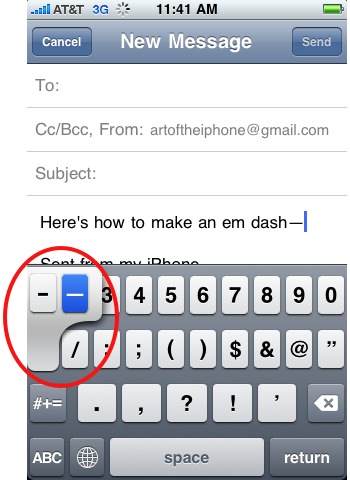
To make an em dash—often used to interrupt a sentence for parenthetical remarks like this one—hold down the hyphen key until you see an em dash appear next to the hyphen. Slide your finger over to highlight the em dash and release your finger.
Ellipsis…
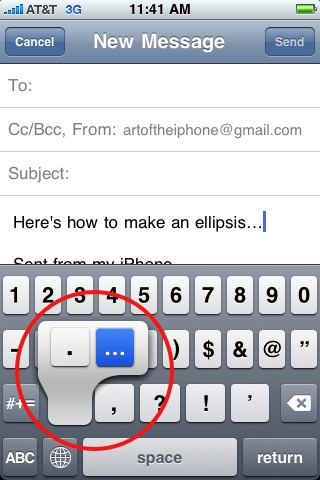
To make an ellipsis, hold down the period key until the ellipsis appears next to the period. Slide your finger to highlight and release.
Be sure to check out more of our posts on iPhone Basics.