By assigning a special ringtone to a contact, you can tell who’s calling without even taking the iPhone out of your pocket. Follow these instructions to assign a ringtone to an iPhone contact:
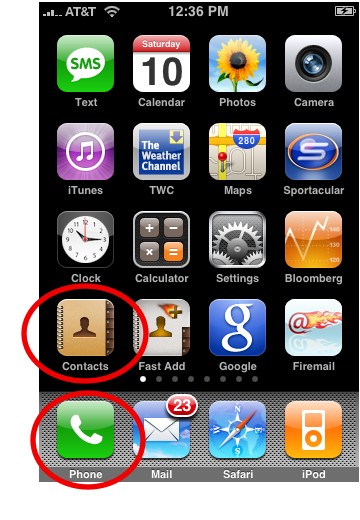
1. Tap Phone or Contacts:
2. Tap the contact you want to assign a special ringtone to.
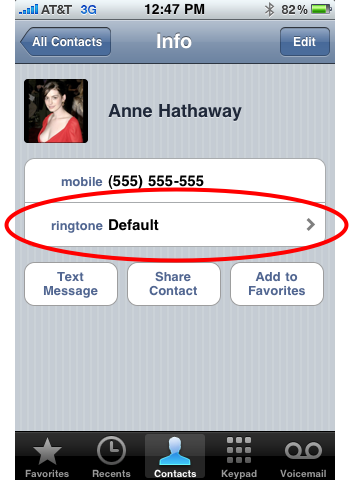
3. Tap Ringtone:
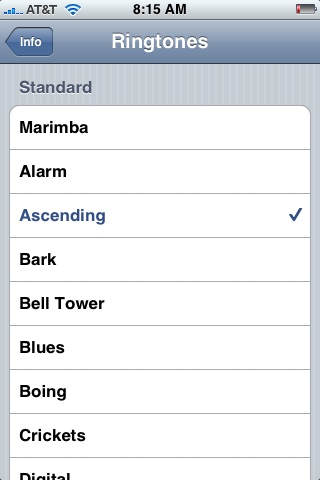
3. Scroll through the list of ringtones and select one by tapping it. It will play when you tap it.
And that’s it. If you don’t like any of the ringtones, you can make your own from any mp3 you have in iTunes. Check out our instructions on How to Create an iPhone Ringtone Using iTunes. If you’re a Mac user, you can make a ringtone using Garageband (instructions).